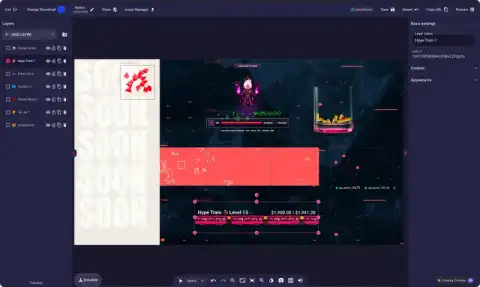
Lumia Stream Control Room
Run your stream from one Control Room
Control your Lumia Stream setup from anywhere.
What is Control Room?
Control Room lets you manage your Lumia Stream setup from a browser, phone, or OBS dock. Monitor your stream, trigger commands, and moderate everything from one customizable workspace.
11 focused widgets
Keep chat, actions, events, viewers, goals, requests, and session data together in one workspace.
Live events and channel data
Follow stream activity and channel context as it happens without jumping between separate pages.

OBS docks
Copy individual widget links and keep only the controls and information you need inside OBS.

Mod-ready teamwork
Give trusted moderators permission-aware tools and a reusable workspace built around their role.
Build the view you need
Choose your widgets, resize and arrange them, then save dedicated layouts for streaming, moderation, or mobile use.
Stay informed in real time
Follow stream status, events, chat, goals, viewers, requests, and session data as your stream unfolds.
Take action instantly
Trigger Lumia commands and review protected requests directly beside the live information you need.
Shareable and dockable
Open Control Room in a browser, dock individual widgets in OBS, use it on a phone, or give trusted moderators access.
Every widget, one workspace
See the whole Control Room at once
All eleven widgets stay visible below in one stable workspace, using the real Control Room components with mock data. In your own Control Room, you can resize and arrange them around your workflow.
Dock any widget in OBS
Copy an individual widget link and keep only the chat, actions, events, or data you need beside your production controls.
Give moderators their own workspace
Trusted moderators can open your channel, use their permitted tools, and arrange a layout around chat, approvals, viewers, and logs.
 Twitch182
 YouTube64
 Kick43CozyGremlinLurkMaster3000MapleSyrupvoidcatLumiaHostHOSTModMiraMODCozyGremlinMapleSyrup
Mock data only. The cards above use the same widget chrome, colors, spacing, and list components as the live Control Room.
Build a workspace for your next stream
Open Control Room, choose your widgets, arrange the layout, and save it to the cloud so it is ready wherever you manage your stream.
Our Services
A collection of Lumia Stream’s services that seamlessly integrates with one another.
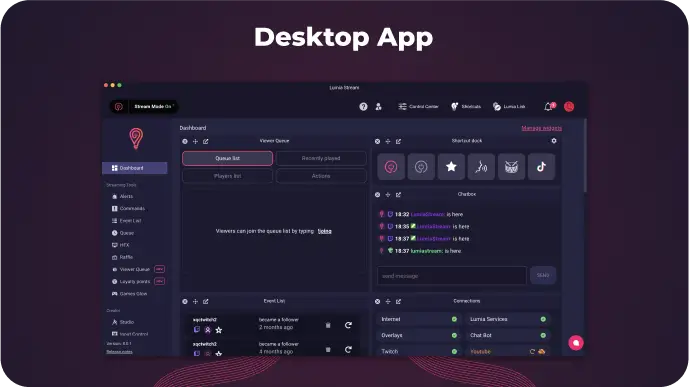
All in one tool for a better controlled stream
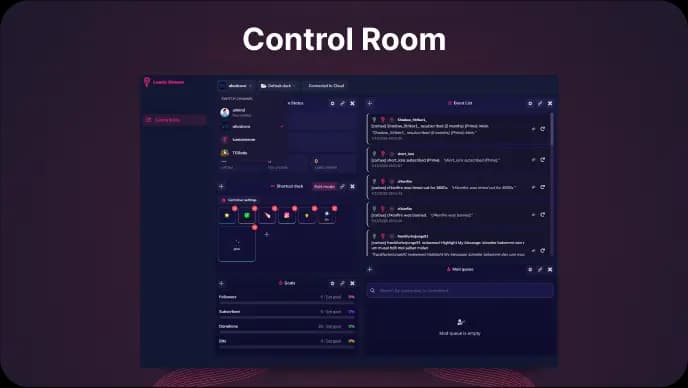
Manage chat, events, actions and moderation from one customizable dashboard
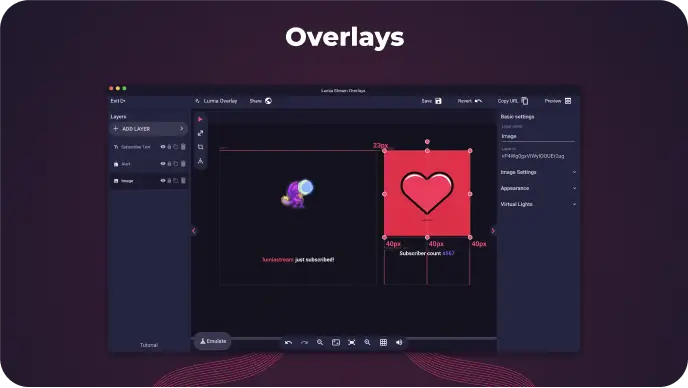
Design your OBS overlays using the overlay editor
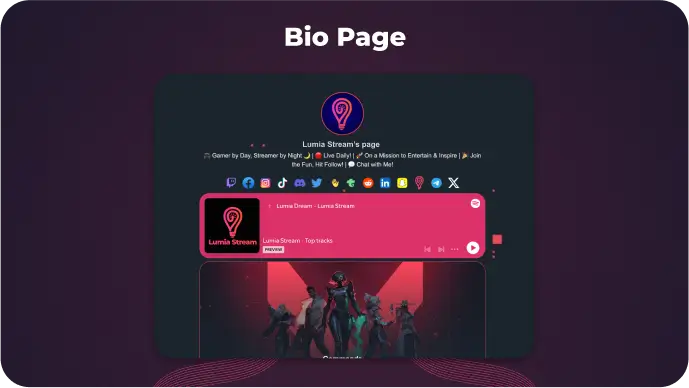
One page for all your links, videos and live streams
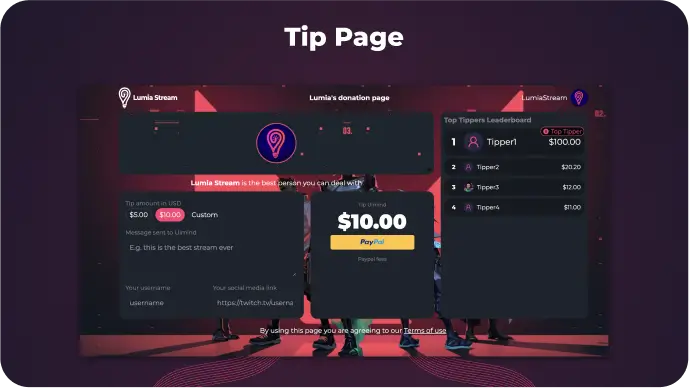
Receive donations from your community directly to your bank account
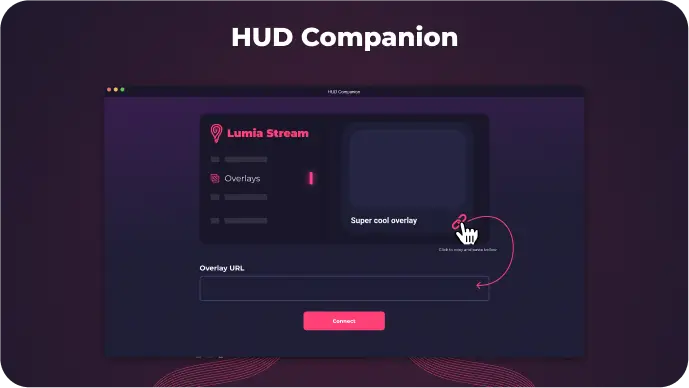
Viewers can trigger jumpscares and alerts directly on your screen
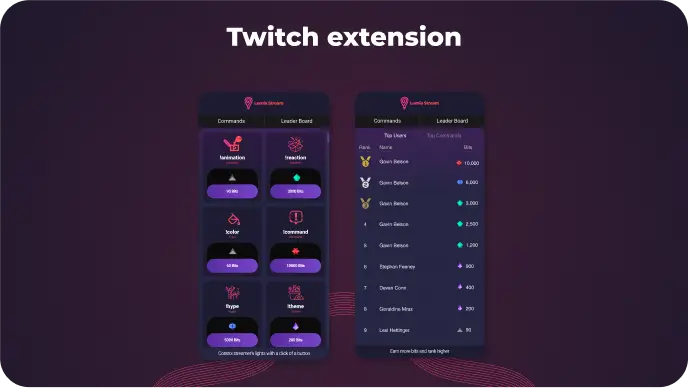
Let your community spend bits on your stream
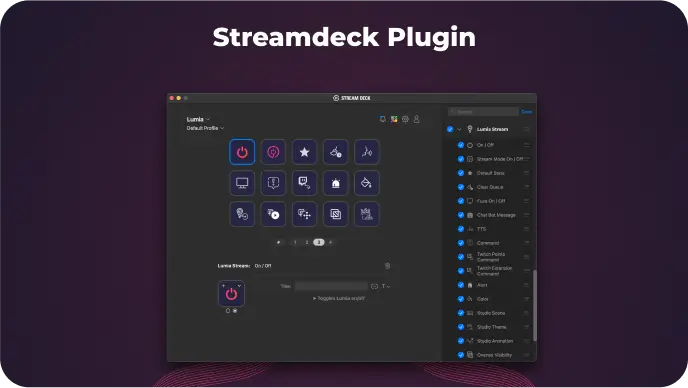
Control Lumia Stream using Stream Deck
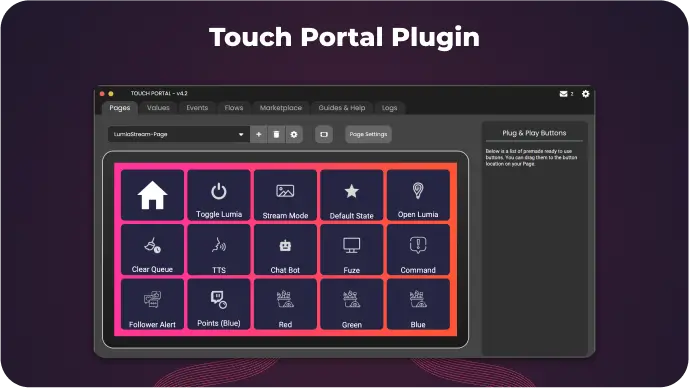
Control Lumia Stream using Touch Portal
 Windows
 Mac
Mac Linux
Linux