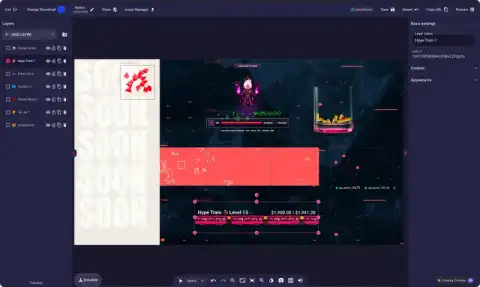
Lumia Stream HUD Companion
 Download for Mac
 Download for Windows
What is Lumia Stream HUD Companion?
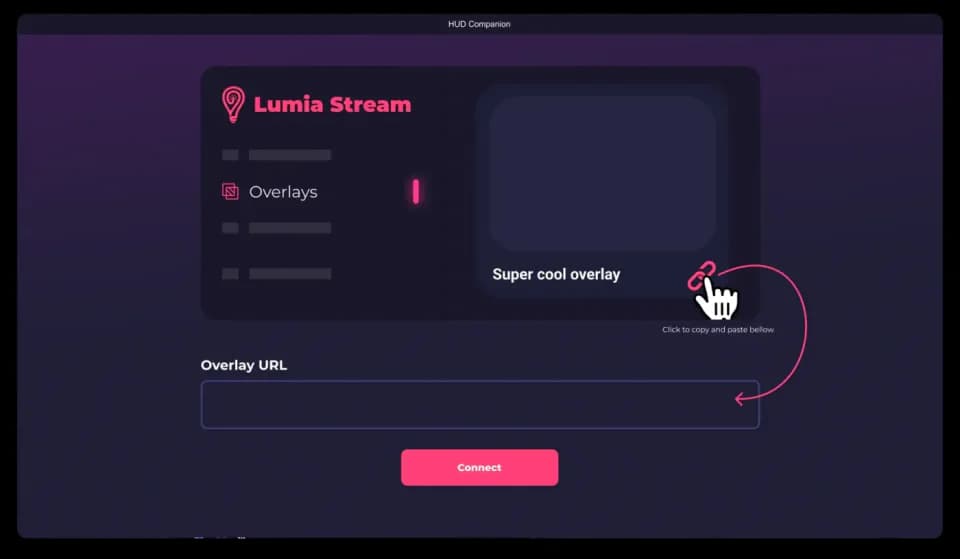
HUD Companion displays alerts, chat, and jump scares on-screen, on a second monitor or VR headset, for enhanced viewer engagement.
Our HUD works on Mac, Windows and even VR headsets such as: Oculus Quest, Valve Index, HTC Vive, and more
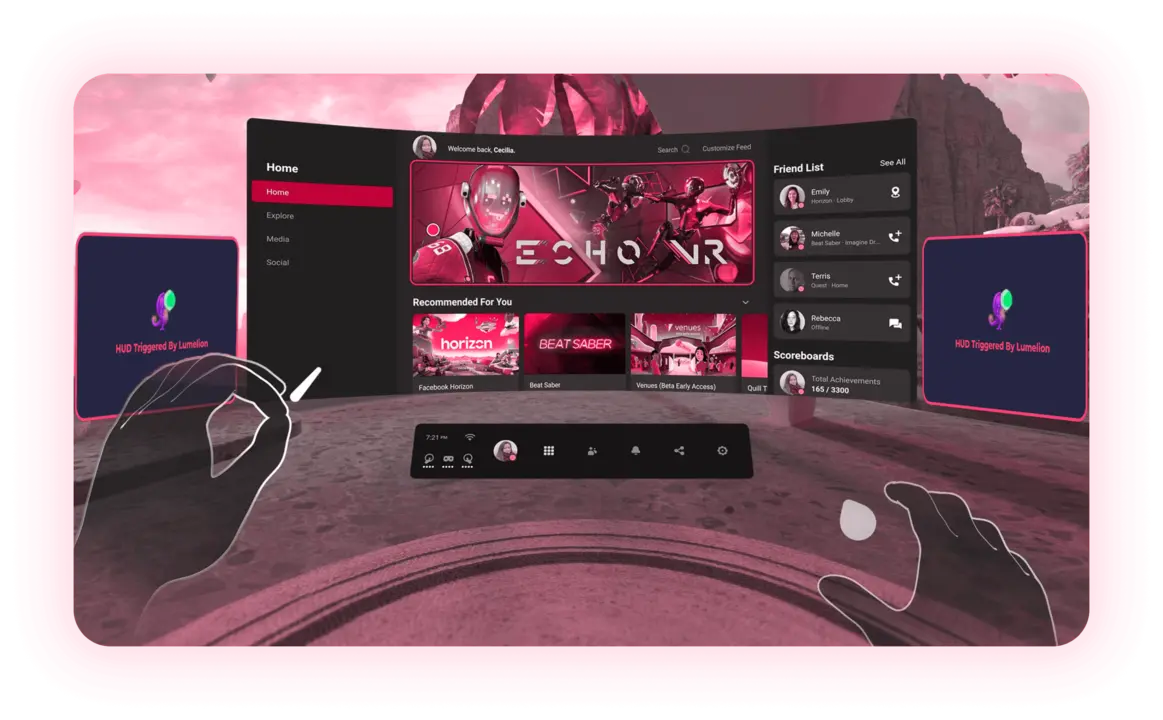
VR alerts
Any alert that you’ve setup in your overlay will show directly on you VR view
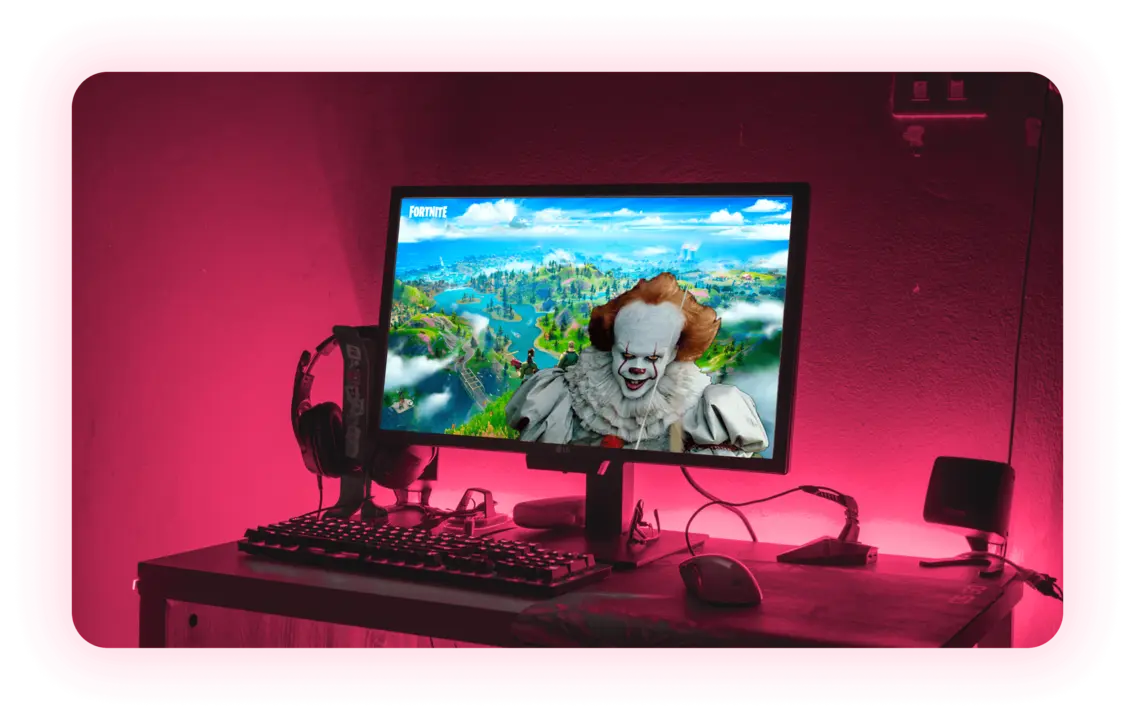
Jump Scares
Setup jump scares to be shown even while you are gaming
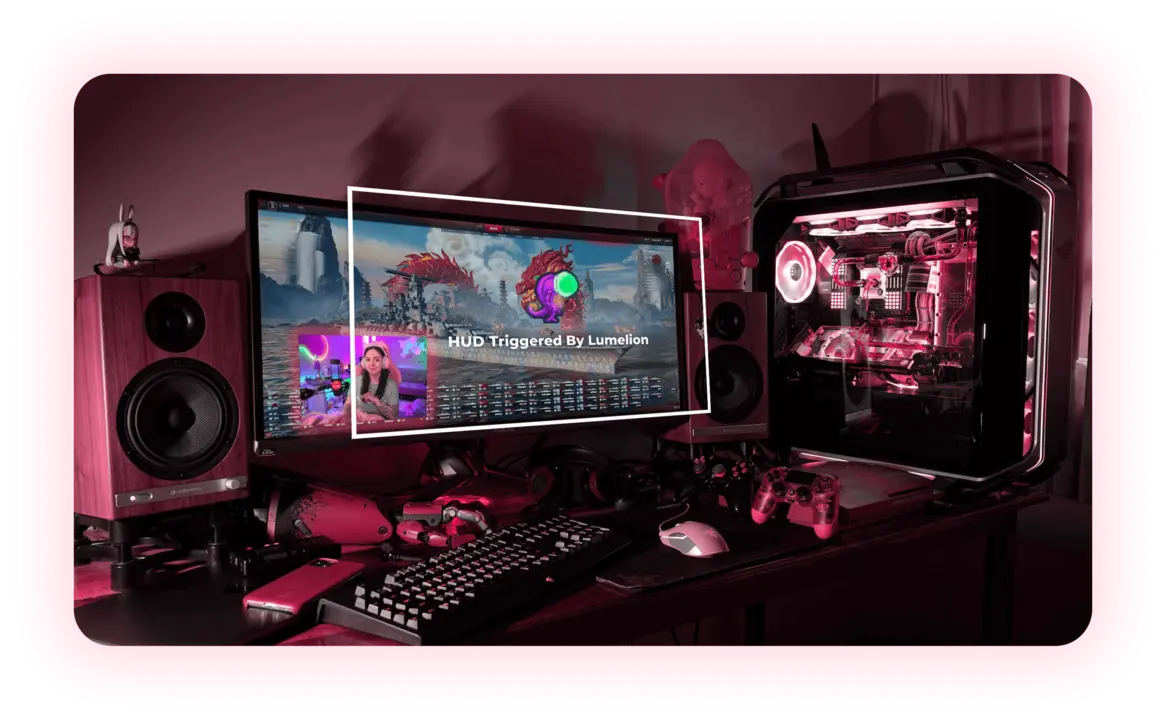
Trigger On Screen Alerts
Keep track of your alerts and chat directly on your screen even while you’re in the middle of a game
Block vision
Your viewers can trigger a alert and block you from seeing the game
Our Services
A collection of Lumia Stream’s services that seamlessly integrates with one another.
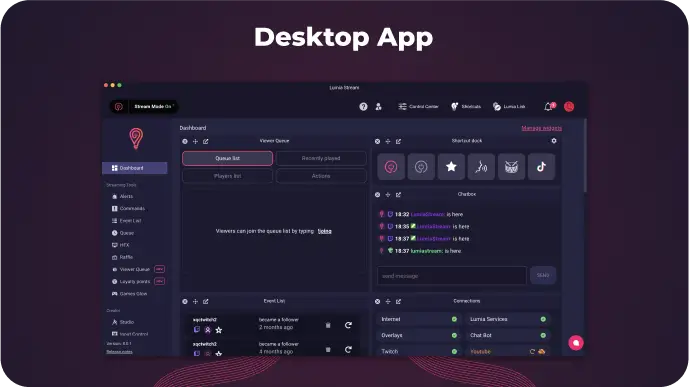
All in one tool for a better controlled stream
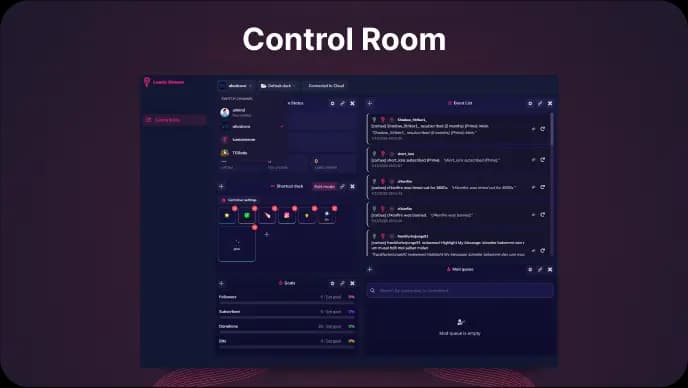
Manage chat, events, actions and moderation from one customizable dashboard
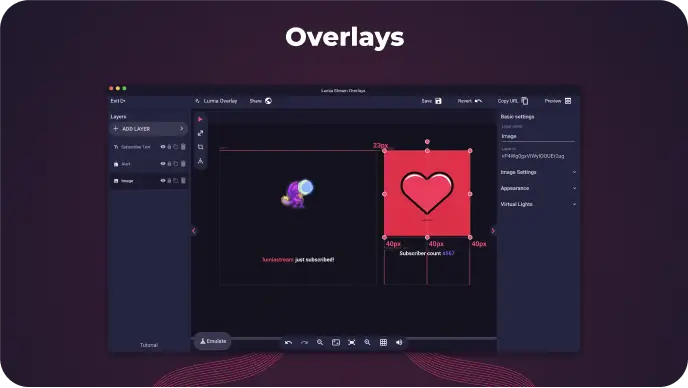
Design your OBS overlays using the overlay editor
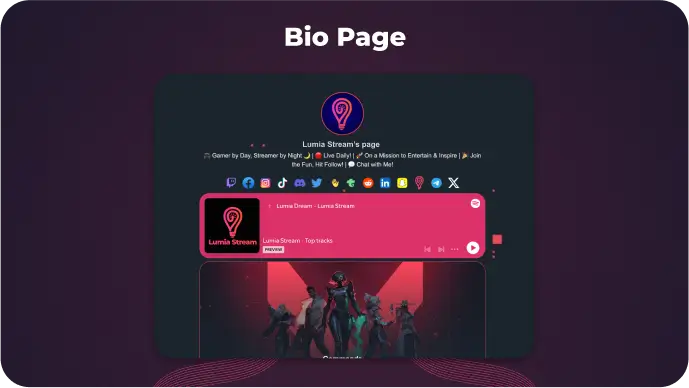
One page for all your links, videos and live streams
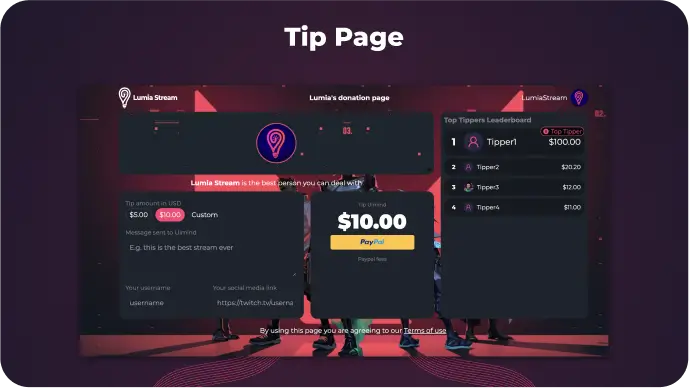
Receive donations from your community directly to your bank account
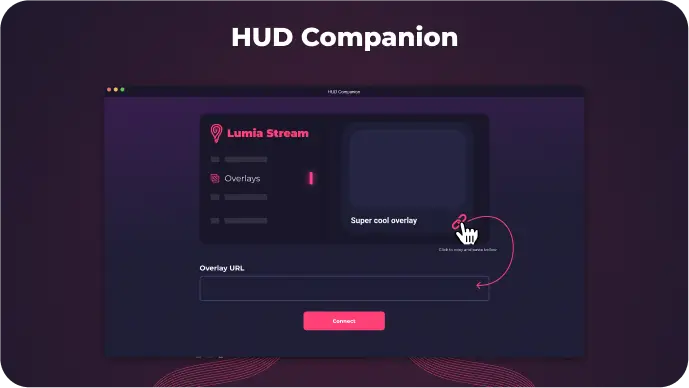
Viewers can trigger jumpscares and alerts directly on your screen
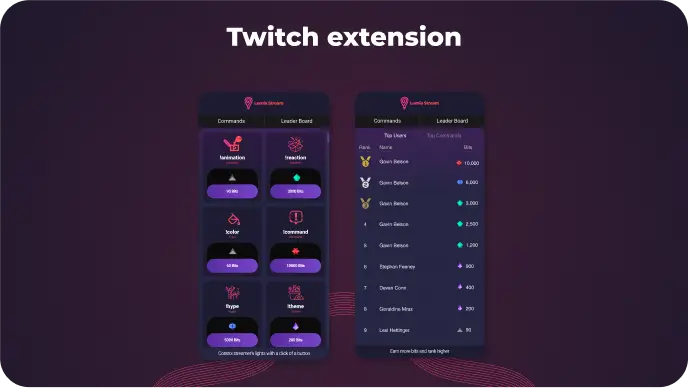
Let your community spend bits on your stream
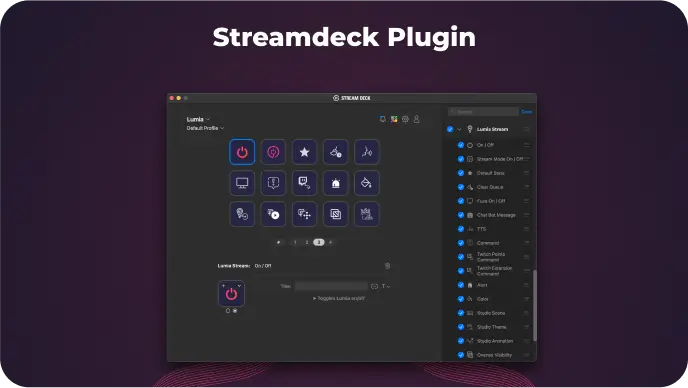
Control Lumia Stream using Stream Deck
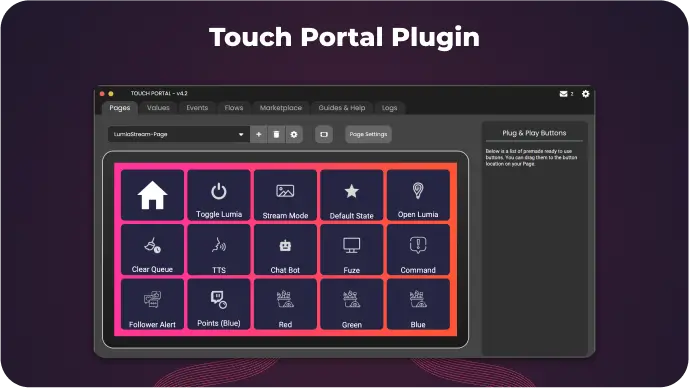
Control Lumia Stream using Touch Portal
 Windows
 Mac
Mac Linux
Linux