
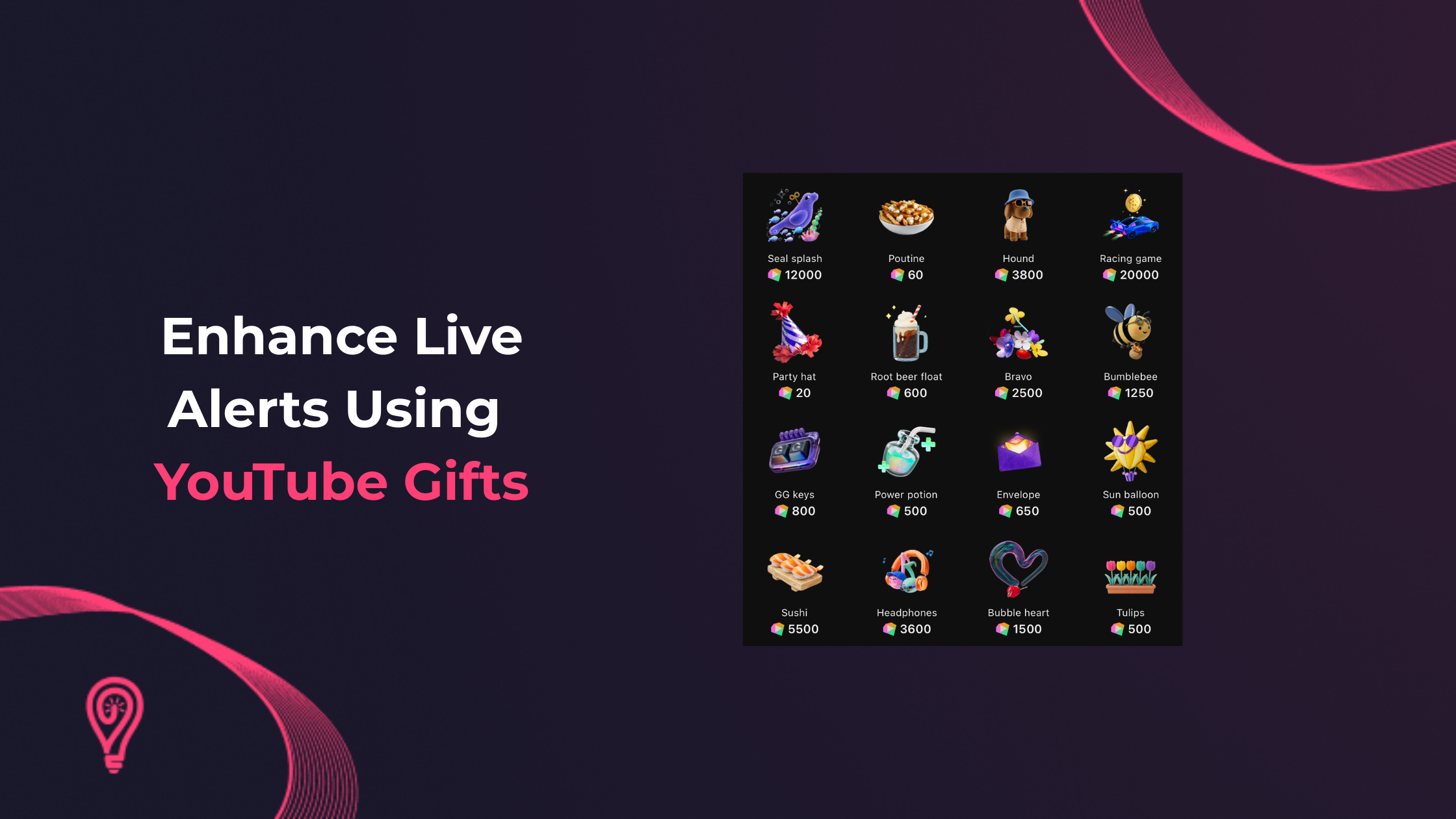
What are Gifts and Jewels
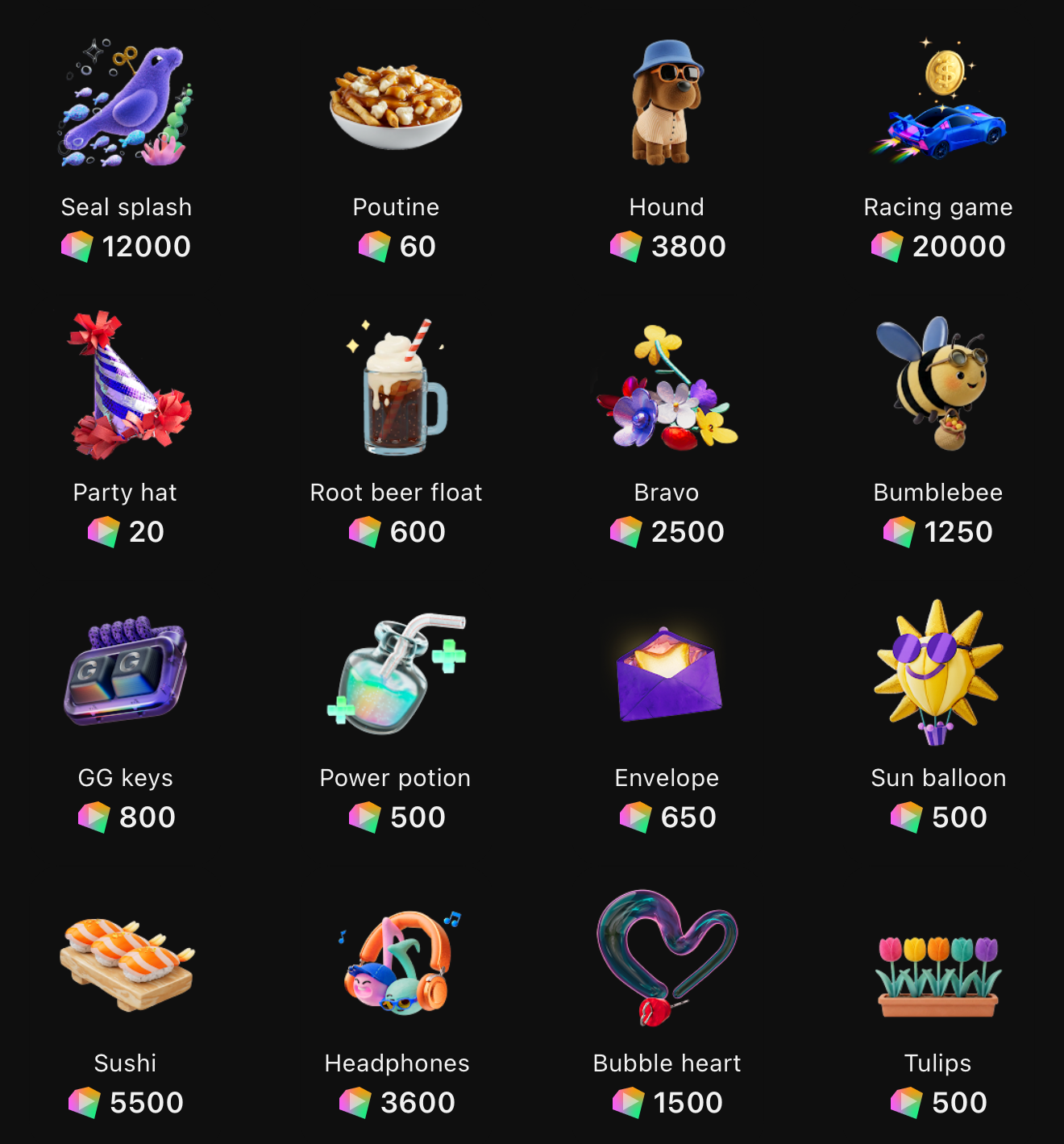
YouTube Gifts are a new way for viewers to support creators during vertical live streams using a virtual currency called Jewels. Viewers purchase Jewels and use them to send Gifts directly to streamers in real time. Each Gift has a different Jewel value, allowing viewers to choose how they want to support a creator based on the number of Jewels they have available.
As this feature continues to roll out, many creators are still getting familiar with how YouTube Gifts and Jewels work and what they mean for live stream engagement. When integrated with Lumia Stream, Gifts become even more impactful by triggering custom animated alerts and interactive actions. This transforms simple viewer support into memorable, high-energy moments that keep both creators and their audience engaged throughout the broadcast.
How Do Gifts Benefit Streamers
For streamers, YouTube Gifts provide both a new monetisation opportunity and a more engaging way to interact with their audience. When viewers send Gifts using Jewels, eligible creators receive Rubies, with each Ruby worth $0.01 USD.
Beyond monetisation, Gifts create memorable moments during your live stream. Instead of relying solely on chat engagement, viewers can actively support your content through visible, animated Gifts that appear in real time, helping strengthen your community and encourage further interaction.
When paired with Lumia Stream, these moments become even more engaging. Gifts can trigger custom animated alerts, smart home devices, and Lumia Actions, turning every Gift into an exciting interactive event for both you and your audience.
Note: To receive YouTube Gifts, you must be streaming in vertical format and be enrolled in the YouTube Partner Program.
What Gifts Do for Viewers
For viewers, Jewels and Gifts offer a more engaging way to support their favourite creators during vertical live streams. Instead of simply watching or chatting, viewers can purchase Jewels and send Gifts that appear instantly on screen.
Each Gift becomes a shared moment within the stream, making support feel more personal and rewarding. Viewers can show their appreciation, interact with creators in real time, and become a more active part of the community. It also adds a fun, gamified element to the live stream experience, making every Gift feel like part of the show.
Make the Most of Gifts and Jewels with Lumia Stream
While YouTube Gifts are engaging on their own, Lumia Stream takes them even further. By connecting Gifts to custom alerts and automations, you can transform every viewer interaction into a memorable experience. Whether it's triggering on-screen animations, smart home devices, or custom Lumia Actions, every Gift becomes a unique moment that both you and your audience can enjoy.
Lumia Alerts: Lumia Alerts connect YouTube Gifts to real-world actions using your smart devices and Lumia integrations. When a Gift is received, Lumia can instantly trigger smart lights, smart plugs, custom Lumia Actions, and more.
Some examples include:
- Triggering a ball launcher when a specific Gift is received.
- Changing the colour of your smart lights based on the Gift type.
- Activating any custom Lumia Action you've configured.
These interactions transform a simple Gift into an engaging, real-world experience that makes your stream more entertaining and interactive.
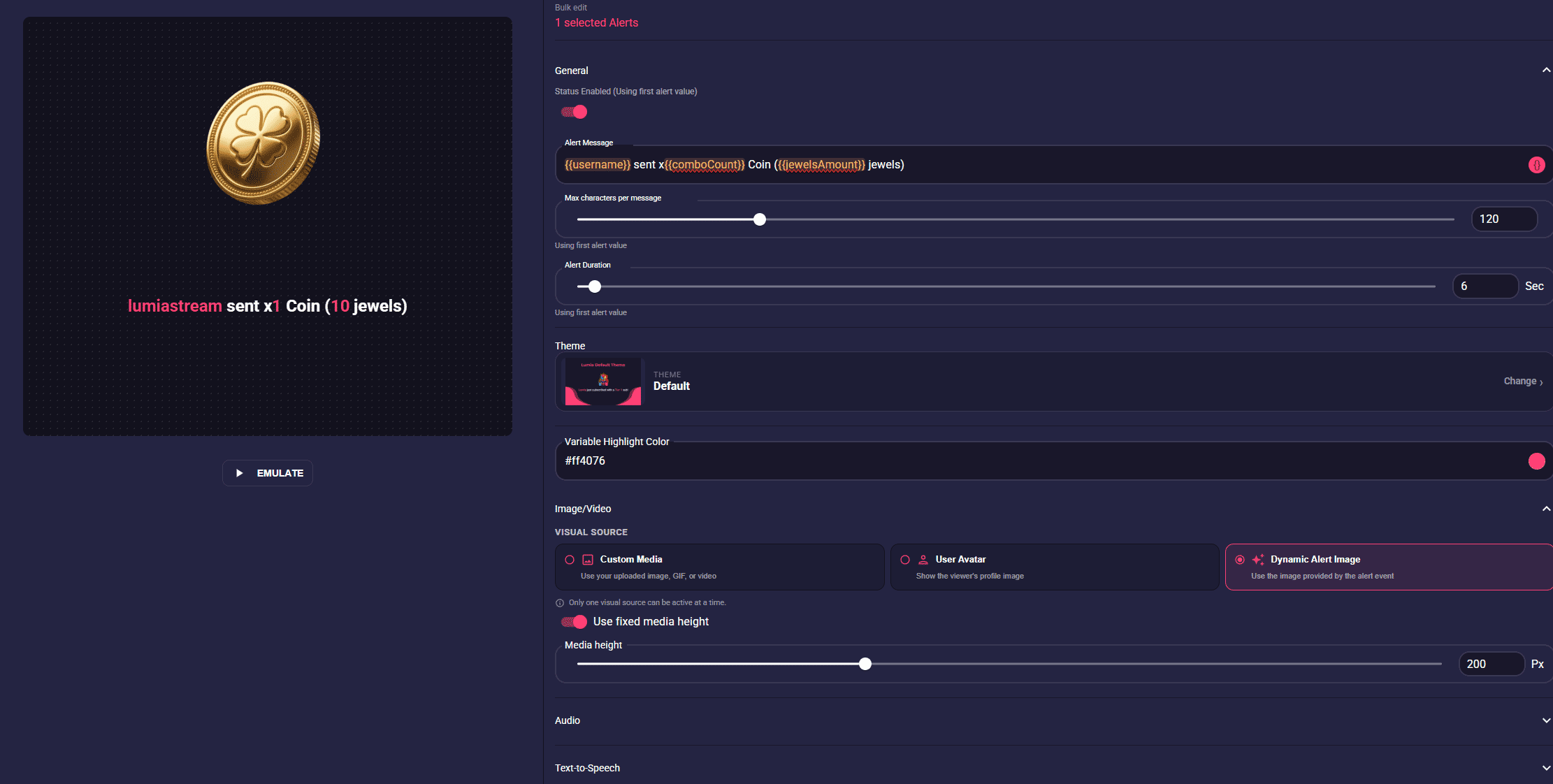
Overlay Alerts: Overlay Alerts control what appears directly on your live stream. You can display custom text, images, videos, audio, and animations whenever a viewer sends a Gift.
Lumia Stream also allows you to create unique alert variations for each Gift type, giving you complete creative control over how every Gift is presented.
Some examples include:
- Assigning unique sounds or songs to specific Gifts.
- Using text-to-speech voices that change based on the Gift received.
- Displaying custom animations, images, or video effects for different Gifts.
Instead of showing a simple notification, every Gift becomes a polished, fully customised on-screen event.
Getting Started with Lumia Stream
Ready to start using YouTube Gifts with Lumia Stream?
Follow our setup tutorial to connect your YouTube account and begin creating custom Gift alerts.


